About
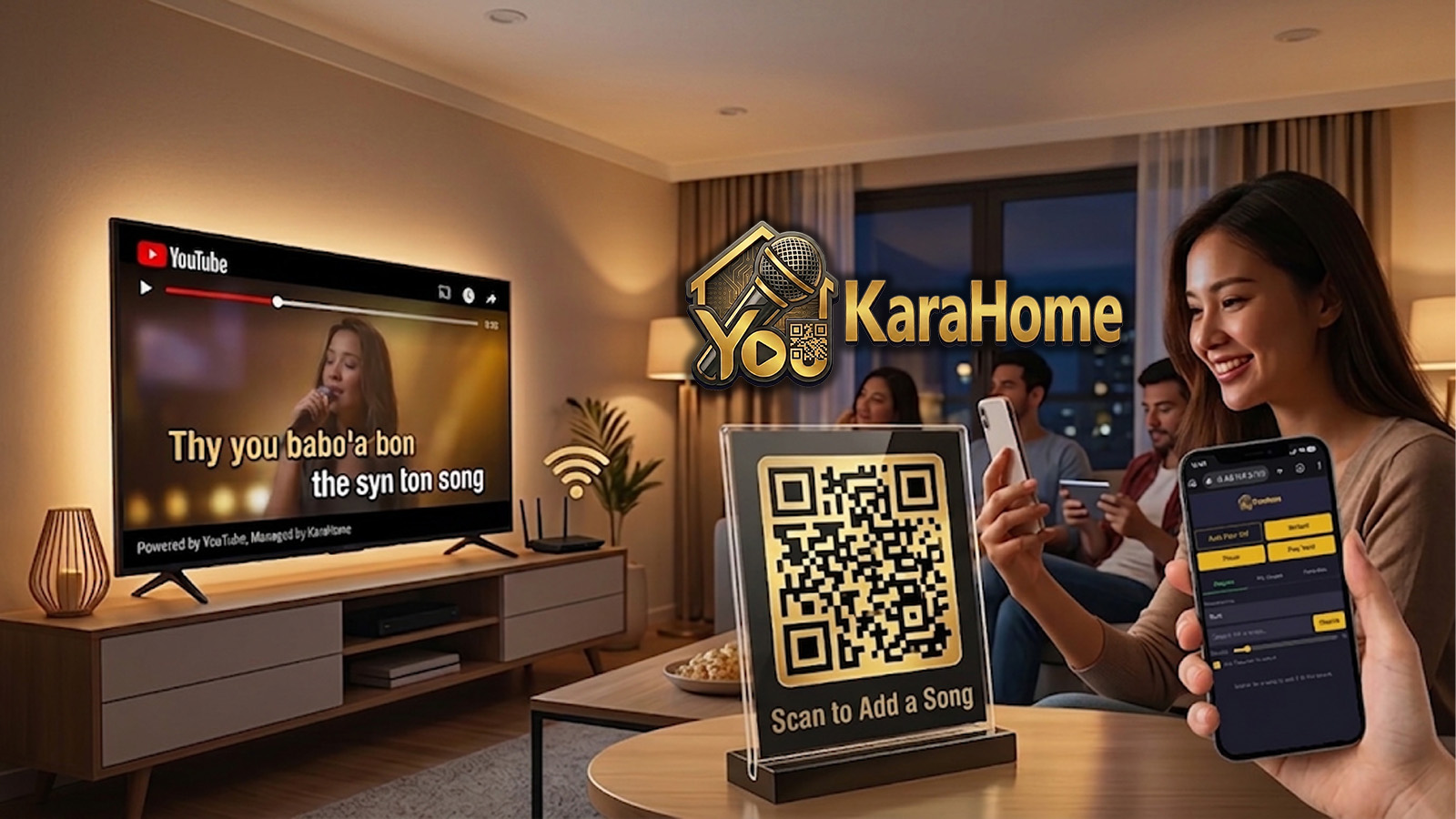
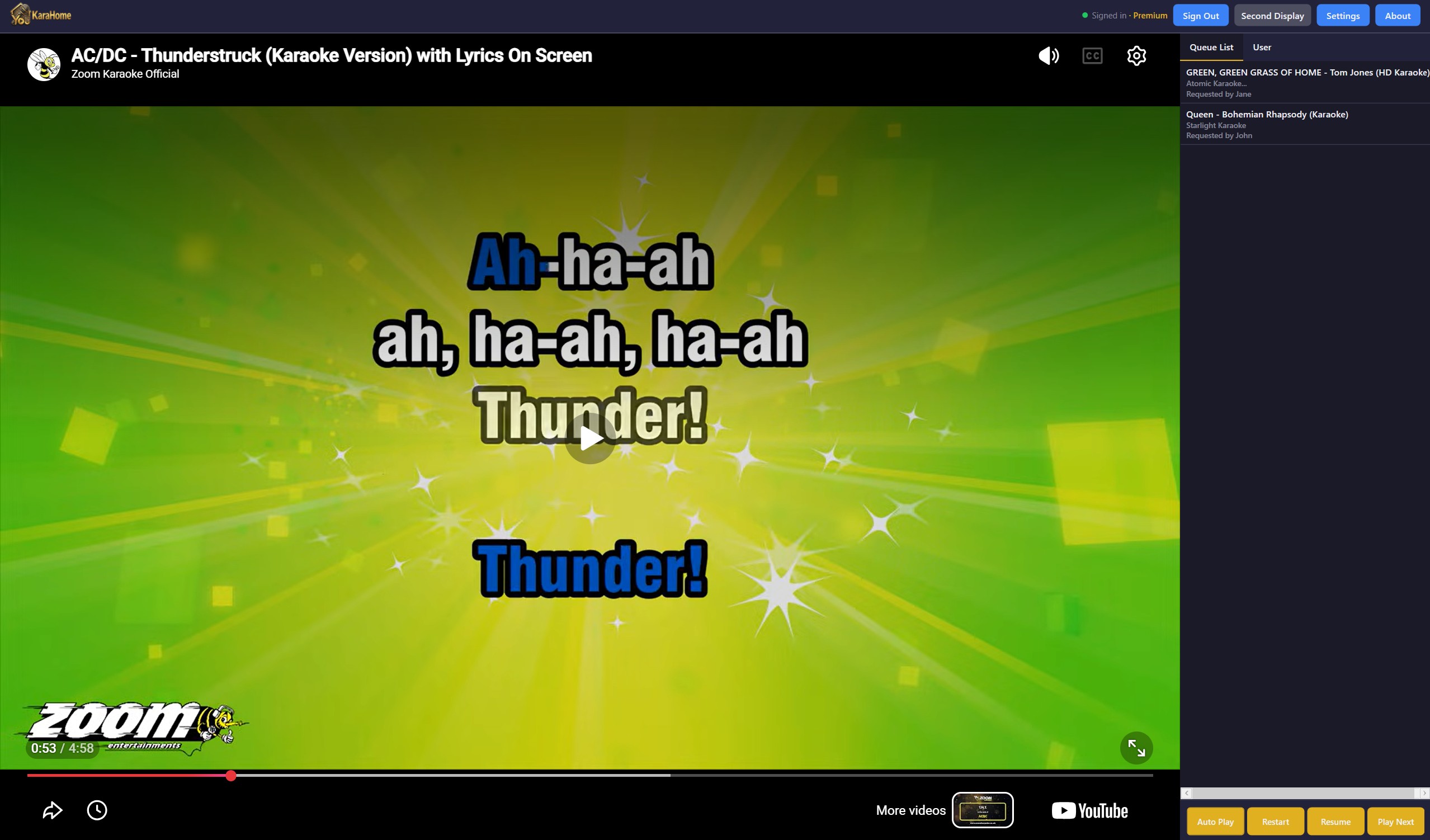
KaraHome is a karaoke app built for home use: family nights, house parties, and get-togethers where you want a real karaoke queue without venue-grade complexity. The video plays directly in a single window on your PC, with an optional one-click toggle to send it fullscreen to a second display or TV. Guests never need to touch your computer: they scan a QR code, search YouTube for a song right from their phone, and it lands straight in the queue.
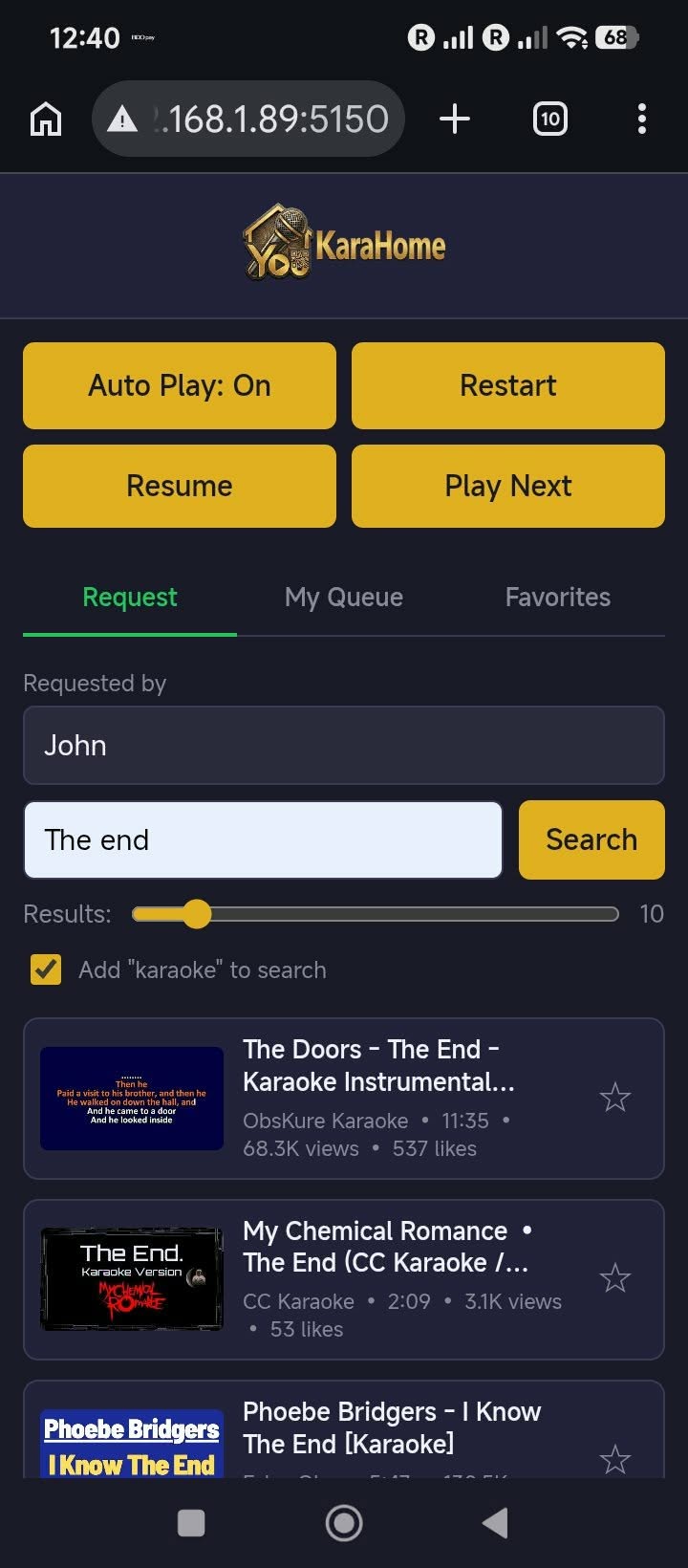
- Add songs from your phone: guests scan a QR code and search/add songs straight to the queue from their own browser, entirely over your local Wi-Fi, no cloud account, no ongoing server cost
- My Queue & Favorites: each guest can see their own songs' live position in the queue, remove songs they've added, and star songs to quickly re-add them later
- Built-in YouTube search, with an "Up Next" banner and countdown overlay before each song
- Drag-and-drop queue reordering and one-click remove, right from the host PC
- Guest access controls: optional connect PIN, per-guest or room-wide playback control, and the ability to remove or block a device
- The queue, connected guests, and all your settings survive an app restart
- Second-display/TV output with true fullscreen mode
Videos
Screenshots
FAQ
Do my guests need to install an app to add songs to the queue?
No. Guests scan a QR code shown in the app and add songs straight to the queue from their phone's browser, no account or app install needed. The page can optionally be added to their home screen for quicker access next time.
Does this work over the internet, or just at home?
The connection between your guests' phones and your PC is local only: KaraHome runs its own small server on your PC that's only reachable by devices on the same Wi-Fi network, no cloud account, no ongoing server cost, and nothing to configure on your router. Your PC still needs a regular internet connection to play videos from YouTube.
Can guests see where their song is in the queue?
Yes. Each guest's phone has a My Queue tab showing the songs they've added and their live position in line, plus a history of what they've already had play. They can remove their own songs from the queue too.
Can I control who's allowed to connect or control playback?
Yes. You can require a PIN to connect, grant or revoke playback control per guest or for everyone at once, and remove or block a specific device.
What operating system does KaraHome run on?
KaraHome currently runs on Windows.
Is it a subscription?
No. KaraHome is a one-time purchase with no recurring fee.